
What to Do When a WordPress Plugin Is Not Working
What to Do When a WordPress Plugin Is Not Working
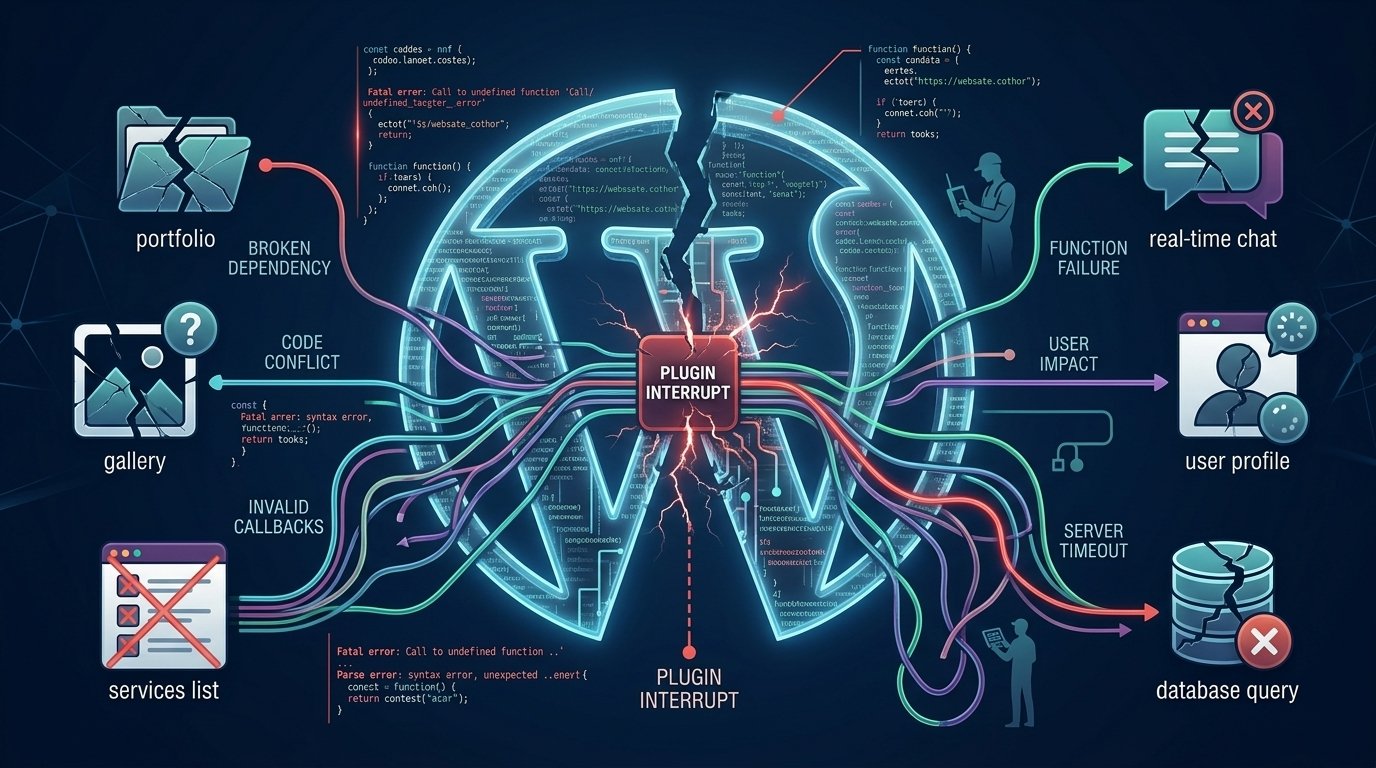
WordPress plugins make it easy to add new features to a website, but sometimes a plugin not working in WordPress. A plugin might stop working after an update, conflict with another plugin, display errors, or fail to perform its intended function.
The good news is that you can diagnose and fix many plugin problems without rebuilding your entire website.

Why Is a WordPress Plugin Not Working?
1. Plugin or WordPress Version Conflicts
A plugin may not be fully compatible with your current WordPress or PHP version. Check whether both WordPress and the plugin are updated.
However, always test updates carefully, especially on an important business or e-commerce website.
2. Plugin Conflicts
Two plugins may try to modify the same functionality, resulting in unexpected behavior.
For example, caching, security, SEO, WooCommerce, and page-builder plugins can sometimes interact in ways that cause problems.
Temporarily disabling plugins one by one can help identify the conflict.
3. Theme Compatibility Problems
Your WordPress theme can also interfere with plugin functionality. Custom themes or heavily modified themes may contain code that conflicts with a plugin.
If the plugin works with a default WordPress theme but not with your current theme, further investigation is usually required.
4. PHP or Server Problems
Insufficient PHP memory, an outdated PHP version, server configuration issues, or hosting limitations can prevent a plugin from working correctly.
Checking your WordPress Site Health information and server error logs can provide useful clues.
What Should You Do First When a Plugin Is Not Working in WordPress?
Before making major changes:
- Create a complete backup.
- Check WordPress and PHP versions.
- Update the plugin if a stable update is available.
- Check for plugin conflicts.
- Review error messages and logs.
- Test the problem on a staging website if possible.
Avoid installing several additional plugins just to fix one plugin problem. This can make troubleshooting more difficult.
When a Plugin Is Not Enough
Sometimes the problem isn’t really the plugin. Your business may need functionality that an existing plugin cannot provide efficiently.
For example, an ecommerce business might need a customized checkout, shipping calculation, customer dashboard, or third-party API integration. In these situations, custom web development may be a better solution than adding more plugins.
A professional web developer can also determine whether the problem is caused by WordPress, the theme, a plugin conflict, hosting, or custom code.

Choosing the Right Web Development Approach
If you’re building a new website, the right solution depends on your requirements.
A business website may need professional website design services, while an online store may require specialized ecommerce website design. A smaller company may benefit from focused small business website design rather than an unnecessarily complicated system.
For larger projects, developers may also select appropriate web development frameworks or build custom functionality around WordPress and other technologies.
Even major entertainment launches such as gta6 demonstrate how important scalability and performance can become when websites experience sudden traffic increases. Your website may not receive that level of attention, but planning for traffic, performance, and reliability is still important.
Final Thoughts
A plugin not working in WordPress doesn’t always mean that you need a new website. The problem may be caused by a simple compatibility issue, plugin conflict, theme code, PHP configuration, or hosting limitation.
The key is to identify the actual cause before making changes.
If your website requires functionality that plugins cannot reliably provide, custom web development can provide a more flexible and maintainable solution.